

MOBOTIX HUB Forensic Search Plugin supports barcode app
Search for barcodes in the MOBOTIX HUB
The current MOBOTIX plugin version (December 2025) provides users with a new search filter for barcodes. The Forensic Search function has been expanded to include an additional filter: BarCode.
In combination with the MOBOTIX 7 camera series and the activated BarCode app, events can be found quickly and easily using barcodes.
This is particularly helpful for:
- Tracking processes
- Handling customer complaints
- Warehousing in freight forwarding companies, packing centres or retail

Thanks to the new filter, only events from the recording that contain the barcode you are looking for are displayed.
Our video demonstrates how the cameras capture barcodes with lightning speed and exceptional precision - even under challenging conditions, such as noticeable motion blur and a very basic environment. Thanks to the new search filter, you can locate them later with pinpoint accuracy.

Prerequisites
- MOBOTIX HUB 2025 R1 or newer
- MOBOTIX HUB Plugin December 2025
- MOBOTIX Camera from the 7 series (e.g. M73 or S74) with current firmware (as of December 2025)
- MOBOTIX Camera MxBarcodeReader App (from Version 1.2.5)
Management Client Settings
‘MOBOTIX Barcode’ must be enabled in the MOBOTIX Forensic Search settings.

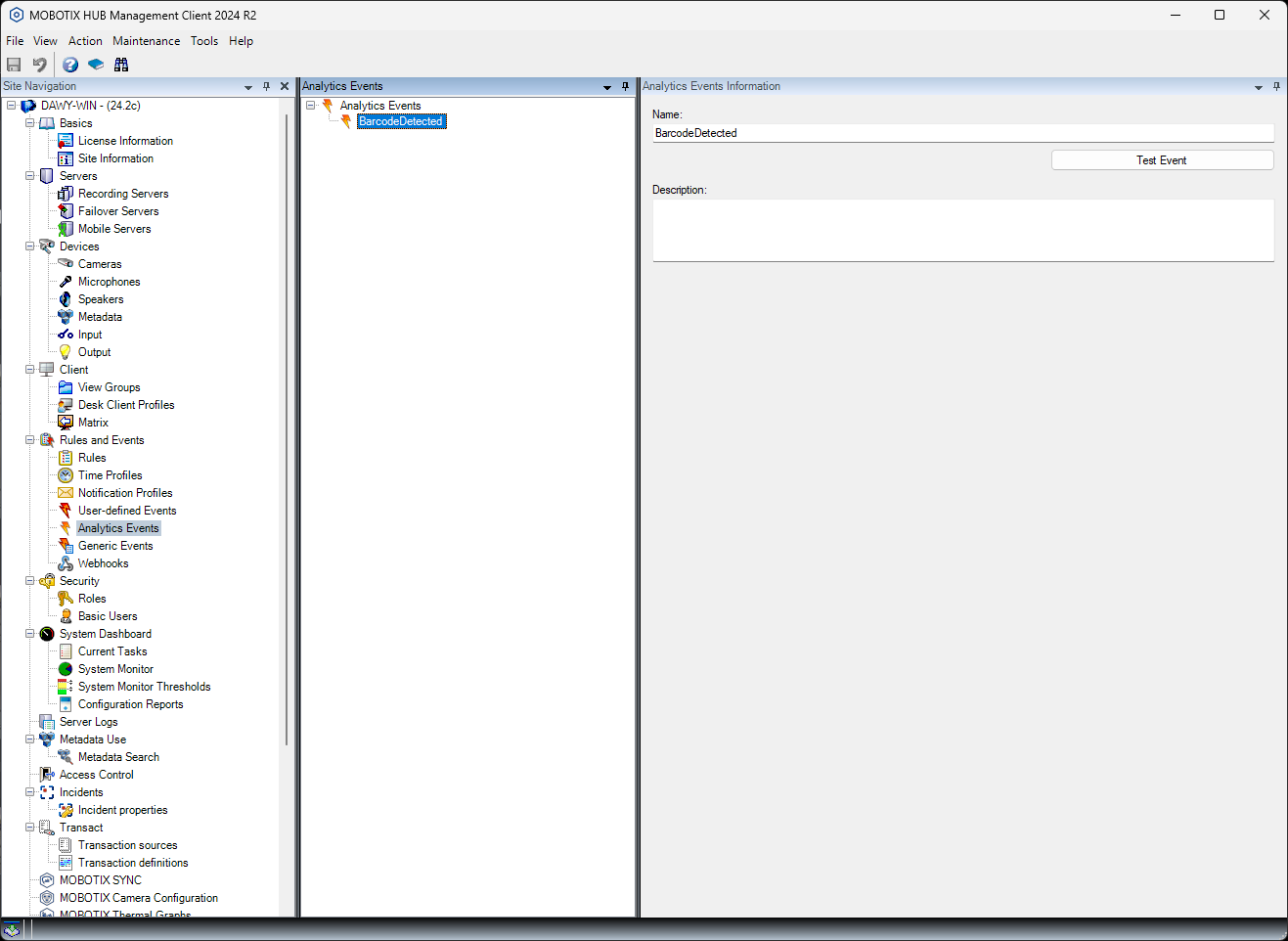
Check whether the BarcodeDetected analytic event was created correctly after activating the MOBOTIX barcode.
MxBarcodeReader app settings:
To connect to MOBOTIX HUB, the server address of MOBOTIX HUB, the port and the IP address of the camera must be stored in the data export settings.

Search in the Desk Client
After activation in the Management Client and restarting the Desk Client, the new search filter is available in the search mask.

Enter the barcode details for the search:
