

AXIS Optimizer
Optimizes Axis-MOBOTIX HUB systems
AXIS Optimizer for MOBOTIX HUB is a suite of integrations that optimize the performance of Axis and MOBOTIX HUB VMS. Whether you’re an administrator, operator, or investigator it saves you time and effort and ensures optimal experiences using Axis devices in MOBOTIX HUB.
Overview
AXIS Optimizer - Optimizes Axis-MOBOTIX HUB VMS
• Easily access all device settings
• Manage applications on Axis devices
• Manage speakers, zones, clips and announcements
• Set PTZ auto tracking
• Set operator controls to extended devices features
• Set focus recall for PTZ cameras
• Set auto focus for cameras
• Ensure sharp images in rain
• Measure spot temperatures
• Manage dewarped video
• Manage privileges for Axis Optimizer
• Remote auto-upgrade Optimizer on all Desk Clients
• Account and password management of devices
• Manage all Axis devices on your sites
• Design systems & push all device settings into VMS
• Gain insights from metadata dashboards
• Automatically: play audio clips, dry cameras, focus many cameras, active strobe sirens, turn on/off privacy masks and allow vehicle access
• Manage incoming calls and door access requests
• Respond to incidents using audio only
• Forensic search of objects, vehicles, zone speed infractions & freight containers
• Customize all metadata and forensic search capabilities
Key features
- Enjoy optimal experiences running Axis devices on MOBOTIX HUB
- Save considerable time and effort to search for, download, install and configure all relevant plugins for Axis devices in MOBOTIX HUB
- Puts great Axis innovations into the hands of MOBOTIX HUB users
- Substantial value for both integrators, administrators and operators
- Regularly updated and available for free at https://www.axis.com/products/axis-optimizer-for-xprotectr#download-block
What is needed
- Axis Optimizer
- Axis Devices
- MOBOTIX HUB L2 up to L5
How it works
Metadata dashboards turn device metadata into actionable insights in the form of graph showing stats, trends and anomalies. Desk Client dashboards are available for both operators and admin roles.

Axis Optimizer offers you three ways to use analytics stream metadata from Axis devices.

Axis Optimizer streamlines managing events for Axis devices in MOBOTIX HUB. This single control panel gives admin roles an overview of all available and subscribed device events.

This shows how Axis Optimizer Forensic Search for MOBOTIX HUB streamlines post-event investigations using metadata derived from Axis devices.

Axis Optimizer provides and efficient way to search for, recover and share video evidence about objects, people, and incidents – without analytics server. Clothing color latest search filter added

Managing incoming calls and door entry requests with Axis intercoms in MOBOTIX HUB. Handle calls, grant entry, route calls, add fixed cameras views, performing pre-set actions & search event history logs.

Import Axis Site Designer projects to MOBOTIX HUB. Save time by automatically importing and configuring all device setings from the design into MOBOTIX HUB.

Automatically upgrade Axis Optimizer on all connected MOBOTIX Hub Desk Client machines remotely.

See how easily you can use vehicle license plates for visitor access in MOBOTIX HUB . Uses Axis License Plate Verifier analytics and Axis LPR cameras.
Optimizer offer deploying automated actions as responses to real-time events, like automatically playing an audio clip when a camera detects motion.

Here´s how to setup automation of privacy masking automation from an analytics event using Axis Optimizer for MOBOTIX HUB.

Perform automated actions as responses to real-time events, like automatically drying multiple cameras.

Export a fully inventory of all Axis devices on all sites connected to MOBOTIX HUB into Axis Site Designer Extend. Where you do firmware upgrades and device management on multiple devices simultaneously.

Dewarp images for distortion-corrected live video for easier viewing. You gain the possibility to dewarp the stored 360-degree stream in case of an event and the need for a investigation of video.
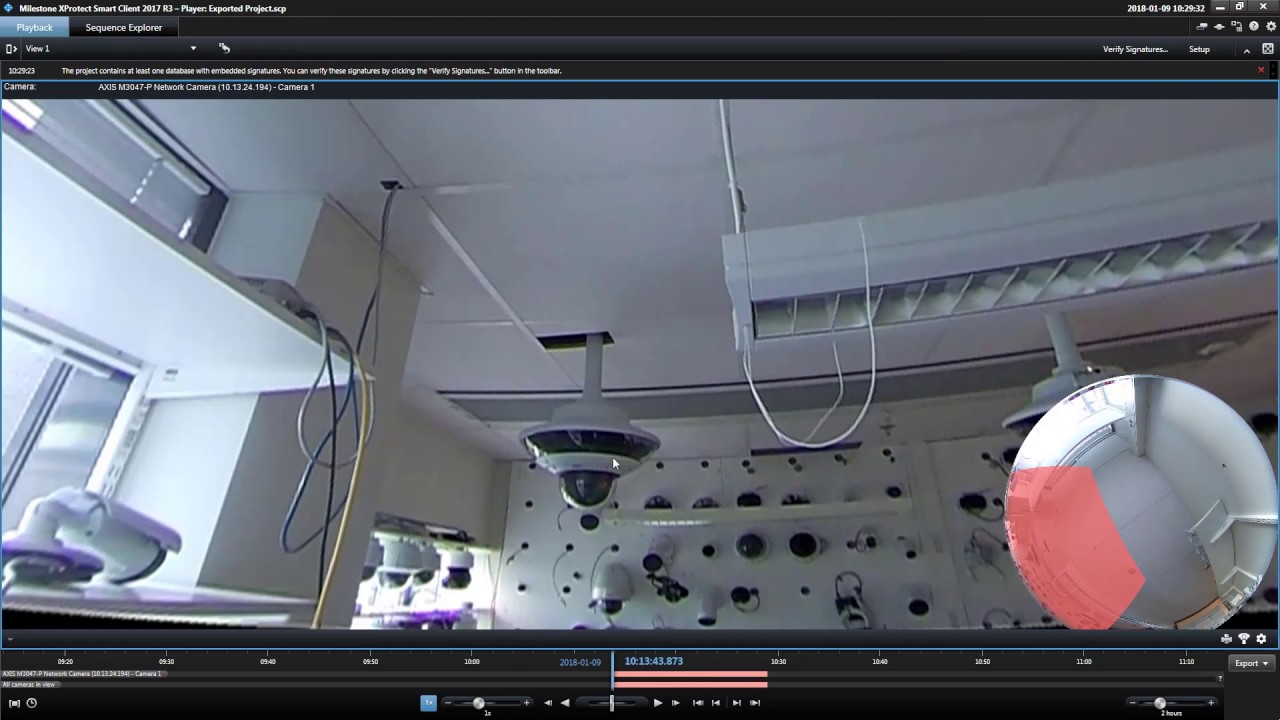
Horizontal adjustment of dewarped video using Axis P3807-PVE. Includes how to adjust and align the horizon as well as how to zoom into details of panoramic scenes and set home position.

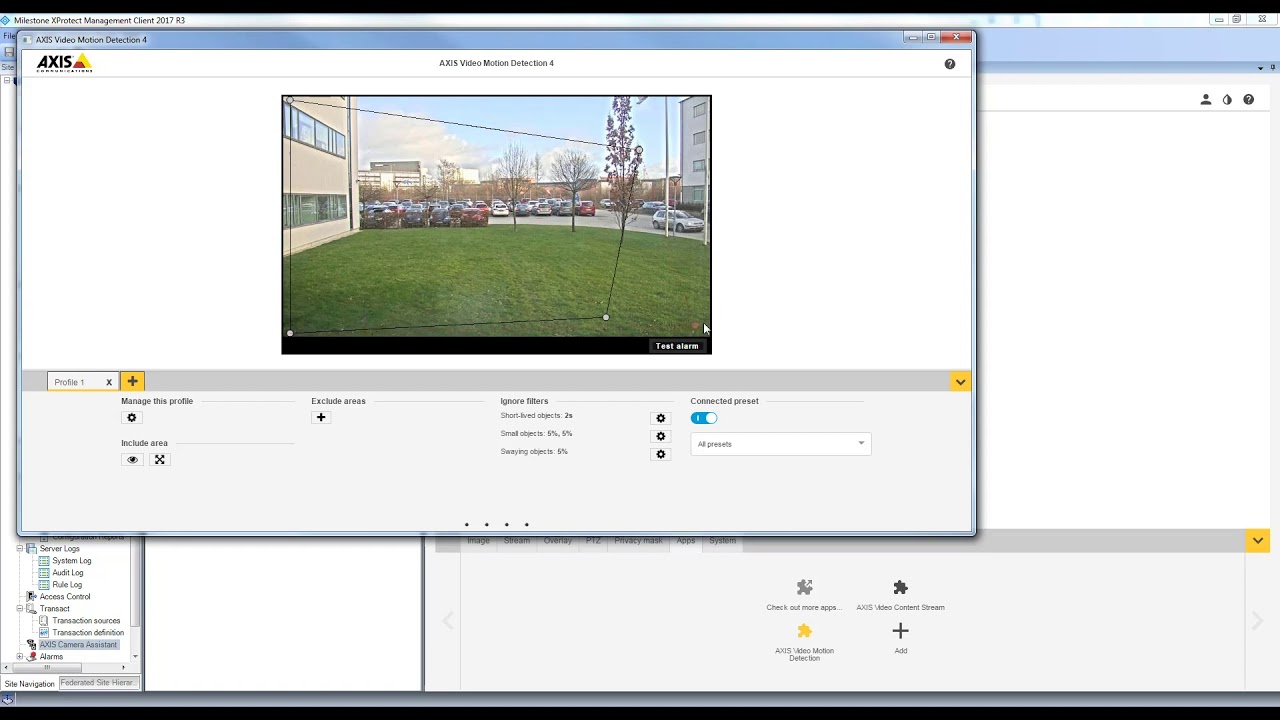
Direct, easy access to all analytics settings in Axis devices, like configuring motion and loitering detection and triggering alarms.
Integrates full capabilities of Axis speakers so users get professional audio capabilities. Set up & manage zones. Control speakers, volume and clips. Schedule and broadcast live or saved messages.

Performing spot temperature checks on Axis Q2901. Includes how operators manage and configure zones, measure temperatures in any spot of the video image as well as manage alarms.

Embed web pages directly in MOBOTIX HUB. In this example we embed Axis Store Reporter.

On-Screen controls allow approved users to access all extended device features directly in Desk Client. Available as both preinstalled and custom controls. Admin roles set privilege rights.

How to install:
You will get a Free Trial Version at the Axis homepage under the follow link:
https://www.axis.com/ftp/pub_soft/cam_srv/optimizer_milestone/latest/AxisOptimizer.exe
Installation tested by MOBOTIX with the following versions:
- MOBOTIX HUB 2025 R1
- Axis Optimizer Version 5.5.9.0